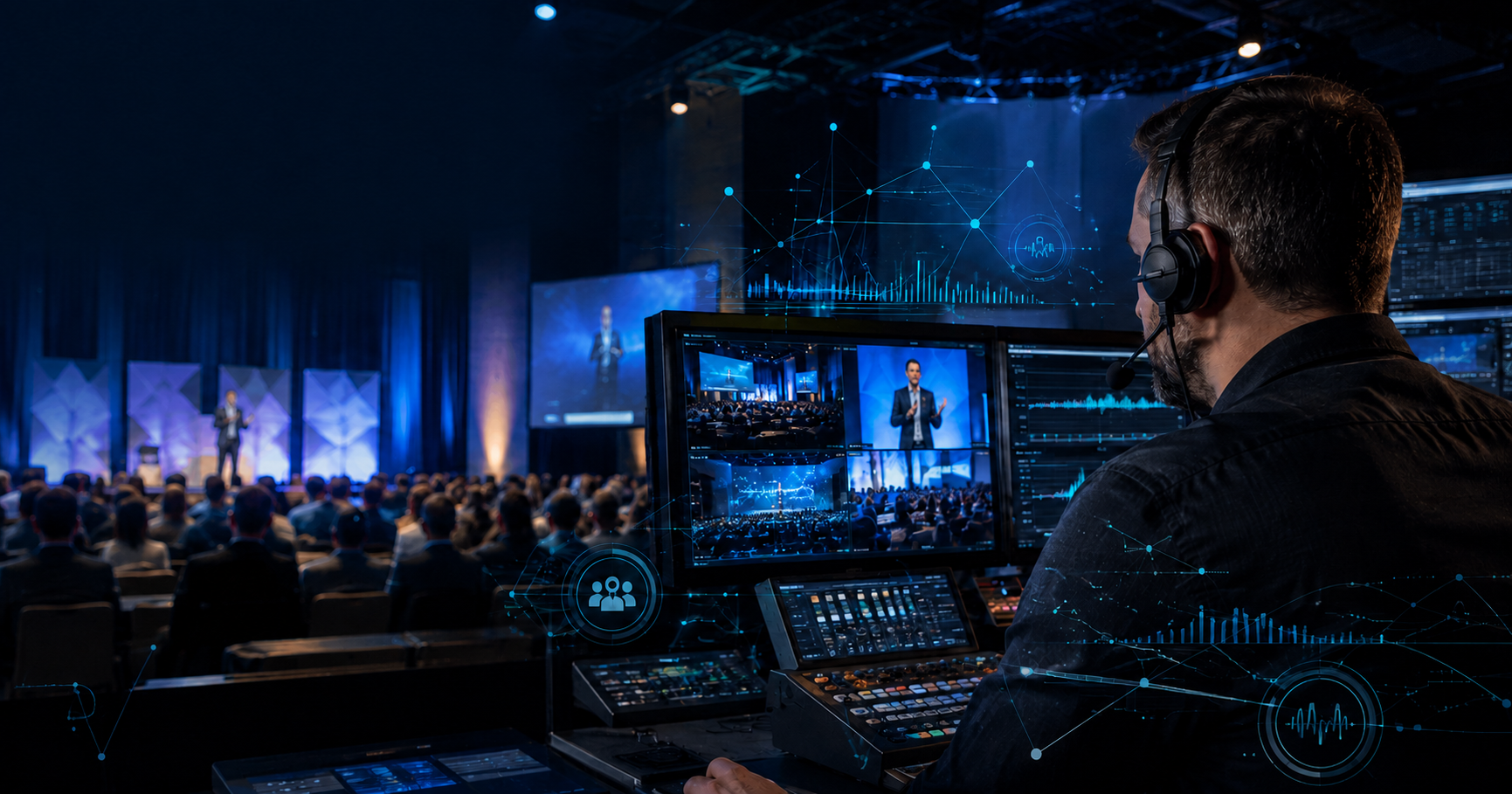
Artificial intelligence is becoming part of the everyday event-planning toolkit. Event teams are using it to draft communications, organize information, analyze feedback, personalize attendee experiences, and repurpose content.
The 2026 Global Meetings and Events Forecast from American Express Global Business Travel found that 40% of meeting professionals plan to adopt AI and other digital tools to help capture more value from their events.
For nonprofits and associations with small teams and ambitious goals, that added support can make a real difference. But saving time should not come at the expense of accuracy, trust, or the attendee experience.
Here are seven practical ways event teams can use AI while keeping people at the center of the event.
1. Create First Drafts of Event Communications
Event teams produce a steady stream of communications, including invitations, registration confirmations, speaker emails, attendee reminders, session descriptions, and follow-up messages.
AI can create a first draft quickly, especially when it receives clear information about the audience, purpose, tone, and desired action. It can also adapt one message for different groups, such as attendees, speakers, sponsors, or volunteers.
The important phrase is “first draft.”
Every message still needs to be reviewed by someone who understands the organization and its audience. An email may be grammatically correct while still sounding impersonal, making an inaccurate promise, or missing an important detail.
Use AI to get past the blank page. Let a person provide the judgment and final voice.
2. Organize Attendee Information and Feedback
Registration forms, surveys, session evaluations, and attendee questions can produce a large amount of information.
AI can help group responses into common themes, identify frequently asked questions, and summarize what attendees say they need from the event. This can help planners improve session topics, attendee communications, and event logistics.
For example, AI might identify repeated concerns about networking, accessibility, scheduling, or the virtual platform. The event team can then decide what changes should be made.
Before entering attendee information into an AI tool, confirm how the tool stores and uses data. Personal, financial, medical, or other sensitive information should never be uploaded without appropriate safeguards and approval.
3. Personalize the Attendee Experience
Not every attendee comes to an event for the same reason. One person may be looking for professional education, while another is focused on networking, industry updates, or potential partners.
AI-supported event platforms can recommend sessions, exhibitors, resources, and possible connections based on an attendee’s stated interests or activity.
Used well, this can make a large conference feel easier to navigate and more relevant. However, personalization should remain helpful rather than intrusive. Attendees should understand what information is being collected and how it is being used.
AI can suggest a path through an event. Attendees should still feel that they are in control of their experience.
4. Strengthen Speaker Preparation
AI can help speakers organize ideas, refine presentation outlines, develop possible audience questions, and simplify complicated material. It can also identify sections that may be unclear or repetitive.
That support can improve the content, but it does not replace presenter preparation.
Speakers still need technology checks, rehearsals, timing guidance, and feedback from someone who understands the audience. A presentation that reads well on paper may not work when delivered live.
An experienced producer can recognize when a speaker needs to slow down, explain an idea differently, adjust the slides, or become more comfortable with the technology.
AI can help shape the material. Human coaching helps the speaker connect with the audience.
5. Improve Accessibility
AI-powered captioning, transcription, and translation tools can make event content available to more people. These features are particularly valuable for virtual and hybrid events, but they can also support attendees participating in person.
The technology is useful, but it is not perfect. Names, technical terms, acronyms, and industry-specific language are frequently misunderstood. Translations may also be technically accurate without capturing the speaker’s intended meaning.
Event teams should prepare glossaries when possible, test accessibility features before the event, and arrange for human monitoring or correction when accuracy is especially important.
Accessibility should be part of the production plan from the beginning, not an option added at the last minute.
6. Monitor Engagement During the Event
Event technology can provide information about session attendance, poll participation, viewing time, questions, and other engagement signals.
That information can help the production team see when people are responding well and when energy may be dropping. It may also reveal that virtual attendees are struggling to participate or that an important session needs more time for questions.
AI can identify a pattern, but an experienced event team must decide what to do about it.
During a live event, adjustments affect speakers, schedules, technology, and the audience. Those decisions require context, communication, and calm judgment.
7. Turn Event Content Into Ongoing Resources
One event can generate months of valuable content.
AI can help transcribe sessions, summarize presentations, identify possible video clips, and create initial drafts of articles, social posts, attendee recaps, and follow-up emails.
It can also help organize post-event surveys and highlight recurring feedback. American Express GBT reports that 28% of meeting professionals plan to use AI for post-event evaluation in 2026.
Human review remains essential. A clip can be accurate but misleading when removed from the surrounding discussion. A summary can overlook an important qualification made by the speaker. Organizations also need to confirm that they have permission to reuse presentations and recordings.
AI can speed up content production. People must protect the organization’s context, quality, and reputation.
Begin With One Useful Application
Event teams do not need to introduce AI into every part of their process at once.
Start with one repetitive, time-consuming responsibility. Establish who will review the work, what information can be shared with the tool, and how the team will determine whether it is genuinely helping.
As Meeting Professionals International explains, intentional use of AI can create more time for relationship-building, strategy, and meaningful experience design.
That is the real opportunity. AI should give event professionals more time for the work that requires empathy, experience, creativity, and human connection.
JumpWire Media helps nonprofits and associations produce polished in-person, virtual, and hybrid events that protect their message and engage their audiences. Our experienced producers support the entire process, from strategy and production planning to speaker preparation, rehearsals, and live execution.
Schedule a free consultation with JumpWire Media to discuss how thoughtful technology and experienced production can work together for your next event.